
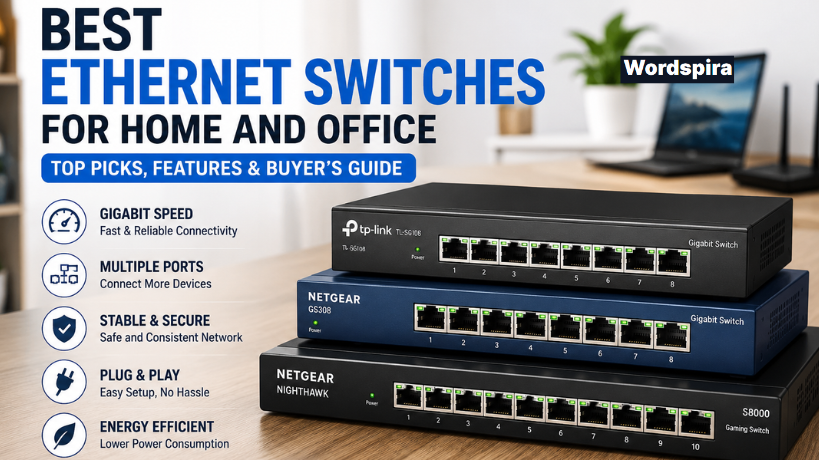
The best Ethernet switch for most homes is a simple unmanaged, fanless, metal-cased gigabit switch such as the TP-Link TL-SG108 (8 ports) or TL-SG105 (5 ports), or the NETGEAR GS308. They are plug-and-play, silent and inexpensive, and gigabit ports are fast enough for any internet plan up to about 1 Gbps. If your internet plan or NAS is faster than that, step up to a 2.5GbE multi-gig switch such as the QNAP QSW-1105-5T. If you need to power cameras or access points over the cable, choose a PoE switch such as the Ubiquiti UniFi Switch Lite 8 PoE.
One thing to know up front: a switch adds wired ports, but it does not make your internet connection faster than the plan you pay for. What it does is give each wired device a stable, low-latency link to your router, which is what gamers and streamers notice.
What is an Ethernet switch?
An Ethernet switch connects multiple wired devices on your local network (LAN). Unlike old hubs, which sent every packet to every port, a switch learns which device is on which port and sends data only where it needs to go. If your router has four LAN ports and you need eight, you run one cable from the router to the switch and plug the rest of your devices into the switch.
Common devices to wire up include desktop PCs, game consoles, smart TVs and streaming boxes, network-attached storage (NAS), security camera recorders, printers, Wi-Fi access points or mesh nodes, and smart home hubs.
Why choose a wired connection?
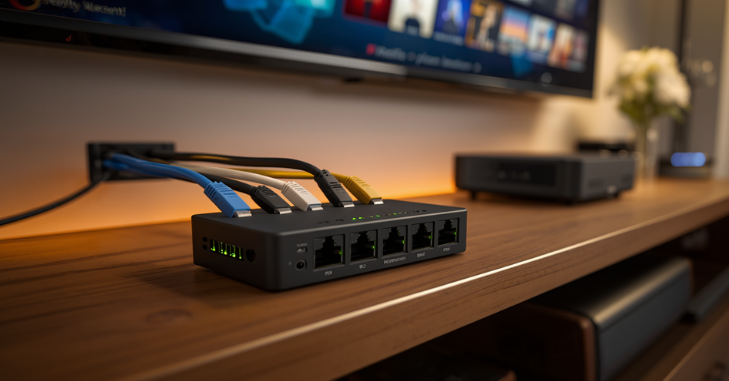
- Consistent speed: no interference from walls, microwaves or neighboring networks.
- Lower, steadier latency: wired links avoid the jitter and occasional spikes of Wi-Fi, which is what matters most in online games and video calls.
- More Wi-Fi capacity for everyone else: every device you move to a cable frees up airtime for phones and laptops.
- Security: someone needs physical access to plug into a wired port.
Key features to consider

Number of ports
Home switches usually come with 5, 8 or 16 ports. Remember that one port is used by the cable to your router, so a 5-port switch gives you four usable ports. Buy a size up from what you need today; the price difference between 5 and 8 ports is usually small.
Speed: gigabit or multi-gig
| Port speed | Good for | Minimum cable |
|---|---|---|
| 1 Gbps (gigabit) | Internet plans up to about 1 Gbps, gaming, 4K streaming | Cat5e |
| 2.5 Gbps | Multi-gig internet, fast NAS, Wi-Fi 6E/7 access points | Cat5e for typical home runs |
| 5 Gbps | Fast NAS and workstations | Cat6 recommended |
| 10 Gbps | Video editing over the network, 10G NAS | Cat6 for shorter runs, Cat6a for full length |
A switch is only as fast as the devices on each end. Many recent motherboards include 2.5GbE ports, and our guide on how to check what motherboard you have shows how to confirm yours. Avoid old “Fast Ethernet” switches, which top out at 100 Mbps.
Unmanaged, smart or managed
| Unmanaged | Smart / easy-managed | Fully managed | |
|---|---|---|---|
| Setup | Plug and play | Web page or utility | Web interface, CLI or controller |
| Features | None to configure | Basic VLANs, QoS, port monitoring | Full VLANs, link aggregation, monitoring, security |
| Best for | Most homes | Enthusiasts, home labs | Businesses, advanced users |
Power over Ethernet (PoE)
PoE sends power and data over the same cable, so security cameras, access points and VoIP phones need no separate power adapter. Check the standard (802.3af PoE, 802.3at PoE+ or 802.3bt PoE++) each device needs, and make sure the switch’s total PoE power budget covers all of them together.
Build, noise and power
For a desk or living room, choose a fanless model; metal cases shed heat well and last. Most modern switches support Energy-Efficient Ethernet (802.3az), which reduces power use on idle ports.
Top Ethernet switch picks

1. TP-Link TL-SG108: best overall for most homes
Eight gigabit ports, a metal case, fanless and silent, and no setup at all. It is one of the most widely recommended home switches because it simply works. If you later want basic VLANs or QoS, the closely related TL-SG108E adds easy-managed features for a small premium.
2. NETGEAR GS308: best alternative 8-port
Another compact, metal, fanless unmanaged gigabit switch from a well-known brand. Pick whichever of the TP-Link or NETGEAR is cheaper on the day; for home use they do the same job.
3. TP-Link TL-SG105: best 5-port
A smaller version for an entertainment center or desk: enough for a TV, console, streaming box and one spare. Compact, silent and inexpensive.
4. NETGEAR Nighthawk S8000: gaming-branded option
An eight-port gigabit switch with a web interface for traffic prioritization and link aggregation, in a styled case. It is an older model and availability varies. Be realistic about the benefit: on a home network, lag usually comes from your internet connection or Wi-Fi, not the switch, so a basic gigabit switch performs just as well for most gamers.
5. QNAP QSW-1105-5T: best budget multi-gig
Five 2.5GbE ports in an unmanaged, fanless box. It makes sense if you have a multi-gig internet plan, a router with a 2.5G LAN port, a fast NAS or a Wi-Fi 6E or Wi-Fi 7 access point. It works with existing Cat5e cabling in most homes.
6. Ubiquiti UniFi Switch Lite 8 PoE: best PoE and managed
Eight gigabit ports, several of them PoE+, managed through the UniFi Network application. It is ideal if you already use UniFi access points or cameras and want VLANs and remote visibility, but it expects some networking knowledge and a UniFi controller or gateway.
Quick picks by need
| Your situation | What to buy | Example |
|---|---|---|
| A few devices behind the TV | 5-port unmanaged gigabit | TP-Link TL-SG105 |
| Home office or gaming desk | 8-port unmanaged gigabit | TP-Link TL-SG108, NETGEAR GS308 |
| Internet plan or NAS above 1 Gbps | 2.5GbE unmanaged | QNAP QSW-1105-5T |
| Cameras or ceiling access points | PoE+ switch with enough power budget | Ubiquiti UniFi Switch Lite 8 PoE |
| VLANs or home lab | Smart or managed switch | TP-Link TL-SG108E, UniFi |
Which Ethernet switch is best for gaming?
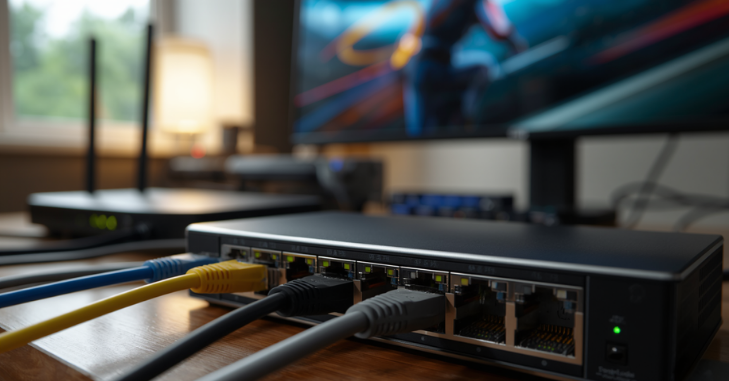
Any reliable gigabit switch. Switches add a tiny, practically unnoticeable amount of latency. What actually improves gaming is getting the console or PC off Wi-Fi and onto a cable, and, if your connection gets congested, enabling QoS or smart queue management on your router, which controls the internet link where congestion happens.
Which Ethernet switch is best for streaming?
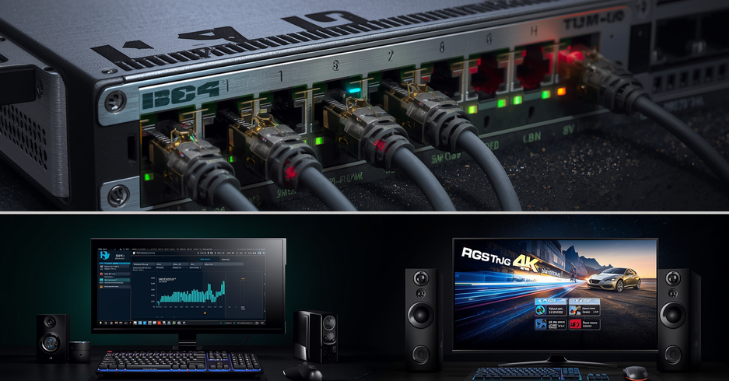
Again, a basic gigabit switch is plenty. A 4K stream uses a small fraction of a gigabit link. The TL-SG105 or TL-SG108 behind a TV is a common and effective setup.
Do you need a managed switch?
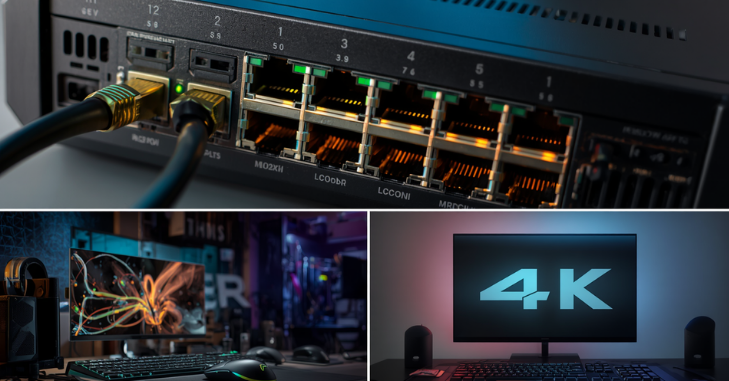
Most homes do not. Consider a smart or managed switch if you want to put smart home or security cameras on a separate VLAN, monitor traffic per port, aggregate links to a NAS, or you are building a home lab. Otherwise, unmanaged is simpler, cheaper and has nothing to misconfigure.
How to install an Ethernet switch
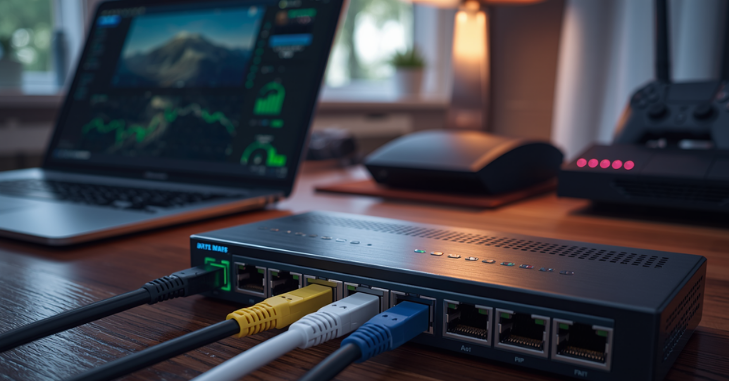
- Place the switch near the devices you want to connect, with some airflow around it.
- Connect one Ethernet cable from a LAN port on your router (not the WAN/internet port) to any port on the switch.
- Plug in the switch’s power adapter.
- Connect your devices to the remaining ports and check the link lights.
- Confirm each device gets network access. On a PC, the network adapter status should show the expected link speed, such as 1.0 Gbps.
No Ethernet cable where you need it?
A switch only helps where you can run a cable from the router. If the router is in another room, you have a few options:
- Run a cable: flat Cat6 cables can go under rugs or along baseboards, and in-wall runs give the neatest result.
- MoCA adapters: use existing coaxial TV cabling to carry Ethernet, often with speeds and latency close to a real cable.
- Powerline adapters: use electrical wiring. Results vary a lot with the age and layout of your wiring.
- Mesh Wi-Fi node with Ethernet ports: plug a switch into a mesh satellite to wire several devices in a room, accepting that the link back to the router is wireless.
Common mistakes to avoid
- Creating a loop: connecting two cables between the same switch and router, or between two unmanaged switches, can flood the network and knock everything offline.
- Old or damaged cables: a device stuck at 100 Mbps usually means a bad cable or a Cat5 (not Cat5e) cable.
- Buying too few ports: count your devices and add room for growth.
- Paying for features you will not use: gaming branding and management add cost without helping most home setups.
Where home switching is heading

As multi-gig internet plans and Wi-Fi 7 access points spread, 2.5GbE is becoming the new baseline for enthusiasts, and prices for 2.5G switches have fallen. PoE is also more common in homes as people add cameras and ceiling-mounted access points. If you are building a new compact PC as well, see our best mini ITX case guide, and browse more in our Tech category.
Frequently asked questions
What is the best Ethernet switch for home use?
An unmanaged, fanless gigabit switch such as the TP-Link TL-SG108, TL-SG105 or NETGEAR GS308 suits most homes. Choose a 2.5GbE model if your internet or NAS is faster than 1 Gbps.
Does an Ethernet switch slow down internet speed?
No. A gigabit switch does not reduce your internet speed. All devices share the single link to the router, but that link is rarely the bottleneck compared with your internet plan.
Is a switch the same as a router?
No. A router connects your home network to the internet and assigns addresses. A switch just adds more wired ports to the network behind the router.
Do I need a gaming Ethernet switch?
Usually not. Any reliable gigabit switch adds negligible latency. Using a wired connection and managing congestion on your router matter far more.
What cable do I need for a 2.5GbE switch?
Cat5e works for 2.5GbE over typical home cable runs. For 10GbE, use Cat6 for shorter runs or Cat6a for full-length runs.